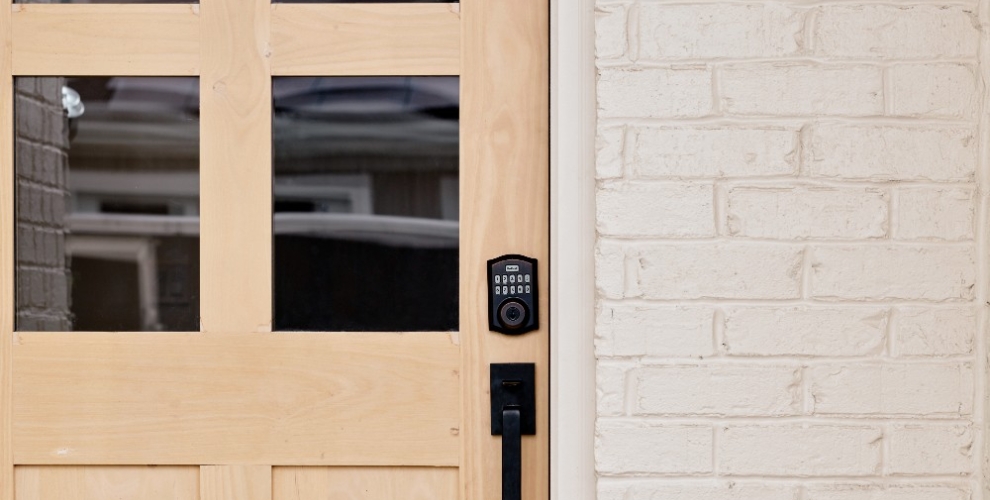
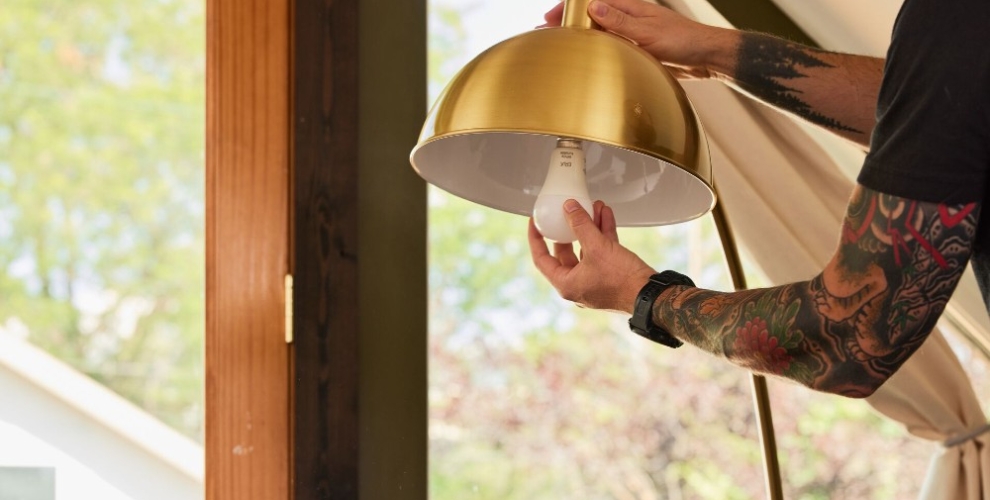
There are many reasons to consider using home automation tools, especially with advancements in voice assistants like Siri and Google Assistant. The best smart apps not only offer customization options but also make controlling all your smart devices and processes from a central point—or even remotely on your smartphone—simple.
With the right mobile app, you can manage your thermostat, lighting, security system, and house locks with the tap of a finger or your voice.
Price-conscious consumers will also appreciate that smart apps can help lower energy costs. Smart apps can make your home more efficient since they give you control of when your connected devices work.
But not all smart home technology is created equal. Each smart app has its own interface, group of features, and list of smart device integrations. In this guide, we cover some of the best smart apps to check out this year.
Maximizing efficiency: How smart home apps transform your living space
Smart home apps are automation tools that make your life more convenient. A smart app works like a remote control for the smart technology in your home. When you download one, it lets you manage all of your home’s smart gadgets on your smartphone.
For example, you could turn off your lights, check the footage from your security cameras, and adjust the temperature in your home while you’re at work. That kind of control can give you peace of mind that you didn’t leave any unnecessary lights on, that no one’s lurking around your home, and that your home is a comfortable temperature for your pets.
Smart home automation apps have several integrations and functions. Most allow you to control your Internet of Things (IoT) devices using touch-screen controls, and many are now integrating Bluetooth for wider connectivity. Some apps, enhanced by an ecosystem of compatible devices, even let you use voice commands through assistants like Siri or Google Assistant to manage your systems hands-free.
Let’s be neighbors.
Subscribe to our weekly newsletter for more smart tips.
5 best smart home apps
You can choose from various smart home apps. In the next few sections, we go over some of the top smart home apps to consider using in your home system.
Vivint
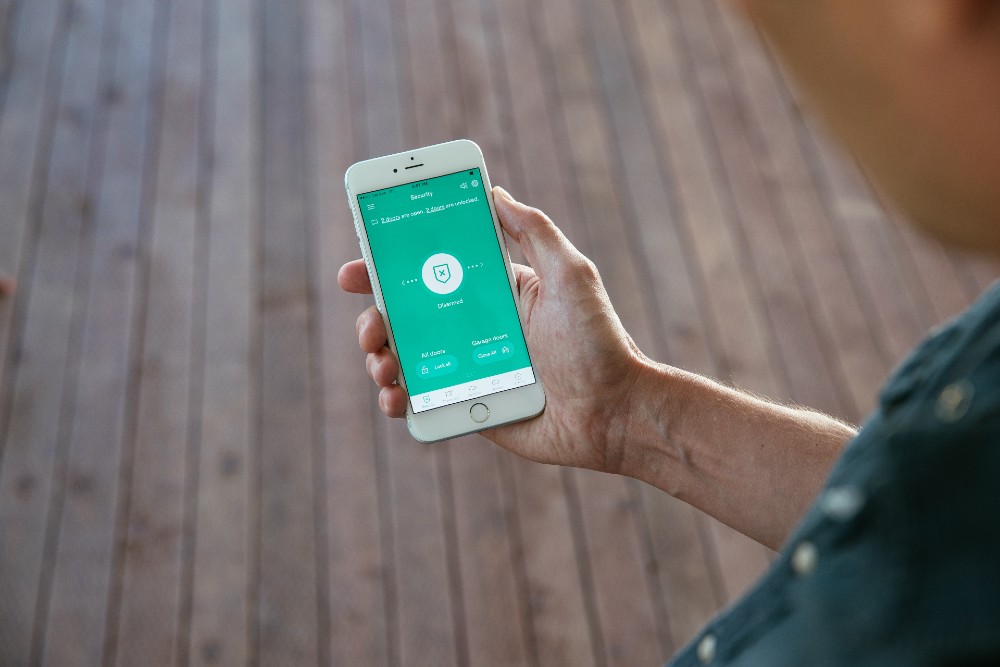
If you want to take advantage of the top-of-the-line automation tools that Vivint offers, the Vivint app is for you. Vivint’s smart home app uses a Wi-Fi internet signal to connect all the smart devices in your home, like your smart lighting, smart plugs, security cameras, smart locks, and motion detectors.
The Vivint app simplifies home management and elevates it to a new level of convenience and efficiency. With its ability to integrate Vivint Smart Lighting into your home effortlessly, the app allows for extensive control and customization of your lighting experience, all without the need for electrical work. This integration extends the safety features of your Vivint smart home, offering both manual and automated control over your lighting, while seamlessly connecting with other smart home devices for a unified and intelligent home environment.
The app—which works with both iOS and Android devices—has an intuitive interface that makes it easy to control all of your smart home products from a single point, like the Vivint Smart Home Hub or your smartphone.
The Vivint app also has integrations with other smart systems (like Amazon Alexa) and can work with a variety of smart devices, such as Nest thermostats.
Amazon Alexa
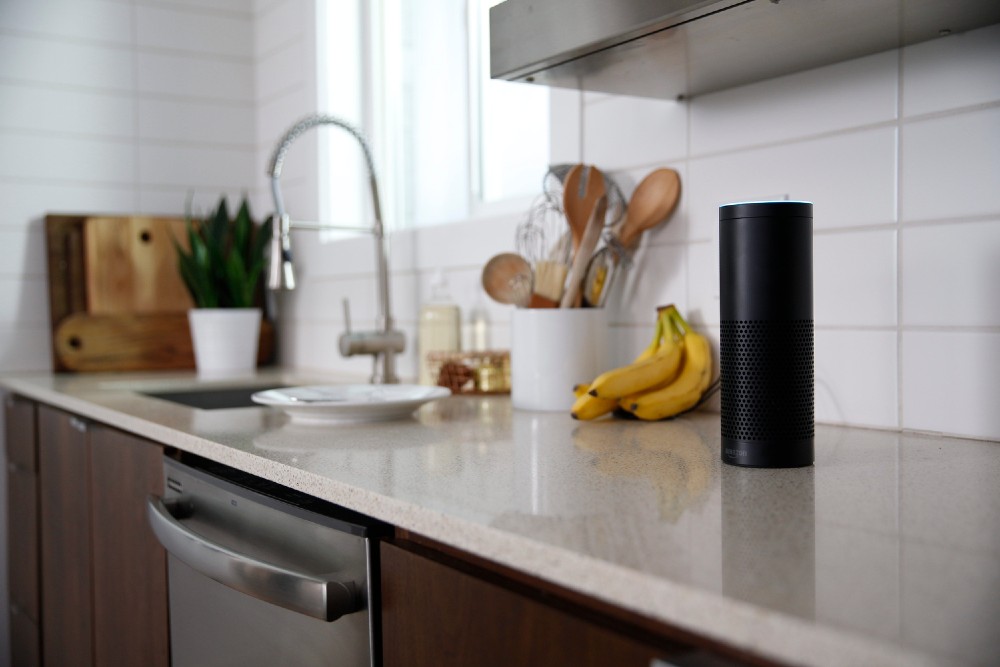
Amazon Alexa is a voice-controlled app that works with Amazon smart devices as well as a slew of other smart devices from brands like Philips Hue, Nest, iRobot, and Vivint. The app has an easy-to-use interface and is simple to set up on your smartphone.
Just say, “Alexa” to activate the app’s voice control feature. When the app responds, you can make a command to any of your smart devices connected to the app. However, if you don’t want to use voice commands, you can still control your devices manually with the touch-screen interface.
In addition to its smart home functionality, the Amazon Alexa app lets you send text messages, hear your favorite tunes, and manage shopping lists. Alexa can also program “hunches” (i.e., reminders to do things like lock your doors) through iPhone or Android notifications.
Google Assistant
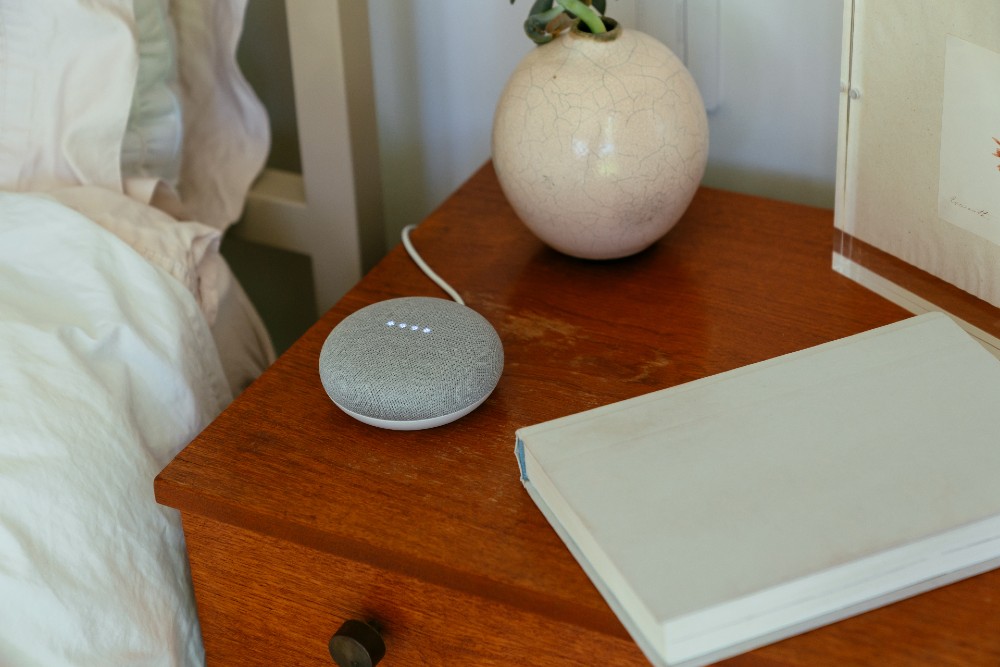
Like Alexa, Google Assistant also has voice control features and touch-screen functionality, and it’s compatible with a wide array of smart devices and programs. Google Assistant, easily accessible through the Google Home app, has integrations for products from companies like Philips Hue, Nest, Honeywell, Vivint, and others.
One of the cool functions of Google Assistant is that you can use it to set up “routines.” A routine is a group of different tasks attached to a single voice command. For example, you might say, “Hey Google, movie night.” Then, the app might dim your smart lights, shut your blinds, and turn on your smart TV.
You can use Google Assistant to text, listen to music, or browse the web. The system prompts you to add compatible devices in the area, making it easy to connect them. It works with iOS and Android.
Apple Home
Apple Home is the smart app for the Apple HomeKit system. It’s designed to work with Apple devices like iPhones, iPads, Apple Watches, Mac computers, and other products.
Apple Home only worked with Apple products for a time, but now it works with over 100 other smart product brands. You can see if a smart device is compatible with the Apple Home app by checking for the Apple Home logo on its box.
Certain features of Apple Home—like the ability to watch live streams from your security cameras—will require you to have a smart hub. You can use your iPhone, Apple TV, or even a HomePod as your hub. When you purchase an iOS product, it usually has the free Apple Home app preinstalled.
Like Google Assistant, Apple Home also has the ability to layer various functions. You can create a “scene” that signals several actions. For example, you might make a scene called “Bedtime.” Whenever the scene is activated, your smart thermostat sets your home to your ideal sleeping temperature, locks your smart locks, turns on your smart speakers to your bedtime playlist, and activates your security lights.
The SmartThings app from Samsung comes with the SmartThings hub. The app lets you control all your IoT products from one place. You can program several smart devices to work together and program the app to send notifications about different tools in your smart home.
The app doesn’t require a dedicated hub. It’s easy to set up and allows you to split devices by room. Like Apple Home, the SmartThings app lets you add widgets for your devices to the home screen so you don’t have to spend time searching for your devices on your smart app.
SmartThings works with a wide range of devices, including products from brands like Ecobee and Netgear. It also works with Google Nest products built in or after 2020. The app is fully cloud-connected, so it doesn’t send alerts in case of a power outage (unless you have a battery backup). Samsung SmartThings can be installed on the majority of phone operating systems, like Android and iOS.
Emerging trends in smart home technology
As we dive deeper into 2024, the landscape of smart home apps is getting some pretty exciting upgrades. Let's explore what's new and how these trends are making our homes smarter, safer, and more in tune with our needs.
Smart learning with AI
Your smart home is getting smarter. Thanks to artificial intelligence (AI), your home can now learn from your routines. Imagine walking into a room and the lights adjust to your mood, or your thermostat automatically tweaks the temperature for a cozy evening.
These apps are not just following commands anymore; they're anticipating your needs. It's like having a personal home assistant who knows you really well.
Next-level home security
Keeping our homes safe is always top of mind. The latest smart home apps are making this easier than ever.
We're talking about features that sound like they're straight out of a spy movie: facial recognition to identify who's at the door, alerts that ping your phone if something's amiss, and even cameras smart enough to tell a pet from a prowler. It's like having a 24/7 security guard who never blinks.
Voice control: More than just commands
Remember when talking to your house seemed like sci-fi? Not anymore. Voice control is getting more intuitive.
Now, it's not just about turning off lights or playing music. You can ask your home for weather updates, recipe suggestions, or to manage your calendar. Homeowners can practically have a conversation with their home, and it's getting better at understanding and responding.
Personalized user experiences
Lastly, it's all about personalization. Smart home apps are now offering experiences tailored just for you.
They learn your preferences, adapt to your lifestyle, and even suggest settings you might like. It's like your home is constantly evolving to suit you better, making life at home more comfortable, convenient, and truly yours.
With the Vivint app, you can manage all your Vivint smart devices—like your smart lighting, security cameras, and smart locks—from your Android or Apple smartphone. You can program your home systems to work together using your Wi-Fi internet connection.
While the Vivint app is designed to be used with Vivint smart devices, it can also work with a variety of other smart brand devices, like Google Home, Amazon Echo, and the Nest Thermostat.
Features of the Vivint smart home app
A few of the best features of the Vivint smart app include:
Remote access. It allows you to manage security systems remotely, so you can do things like lock your doors and shut your garage door when you’re on the go.
Talk to visitors from afar. It has two-way talk functionality, so you can communicate with people through your video doorbell or any other camera on your property.
Smart updates. It sends you home security alerts and notifications about the smart systems in your home.
Connection with other devices. It has compatibility with an array of other smart home tools.
Customer support. If you ever have trouble with the app, you can contact Vivint’s knowledgeable and friendly support staff for help.
Vivint compatibility. It works seamlessly with Vivint smart home devices, most of which come with an extended warranty.
Discover how Vivint smart home systems make managing your home easy
The best home automation apps make managing multiple systems in your home a breeze. They let you govern all the smart home automation systems—from your smart bulbs to your front doors—with one app.
If you want to enjoy all the benefits that a smart home automation system can provide, check out all the smart home tech offered by Vivint. When you reach out to Vivint, one of our smart home experts will guide you through the process of designing and installing your ideal smart home setup.
Call us at 855.822.1220 for a free consultation today.
Get a free quote today.
A Vivint Smart Home Pro will contact you within 24 hours. Or skip the form and call now: 844.481.8630.
Qualifying system purchase requires minimum $599.99 expenditure on equipment after all discounts have been applied, professional installation, and execution of Vivint monitoring services agreement. Click here for monthly service plan prices. DIY system purchases and reactivations of previously-installed systems not eligible for offer. Offer not available in all states or provinces. Equipment purchase may be financed separately subject to an agreement with one of Vivint's third-party financing partners. Monthly $1.48 cellular network maintenance fee applies. Taxes and local permit fees may apply.
Third-Party Financing Options Available
Financing eligibility and terms subject to credit approval by one of Vivint's third-party financing partners. Qualified customers may finance equipment purchase at 0% APR for up to 60 months. Month-to-month service agreement available when equipment is purchased upfront.
Vivint Systems & Services
System supports up to six cameras subject to sufficient WiFi speeds. Without a Vivint services plan, product and system functionality is limited (including loss of remote connectivity). Speak to a Vivint representative at the phone number in this offer for complete equipment, services, and package details, including pricing and financing details. Products and services in Louisiana provided by Vivint Louisiana Commercial Certificate #58280. See Vivint license numbers here.