
Doorbell cameras with real-time alerts and cloud recording are essential home security devices. Learn what to look for when buying one here.
The Ultimate Buyer’s Guide to the Best Wireless Video Doorbell Cameras
Key takeaways
- In a wireless video doorbell, look for:
- A wide-angle lens and HD resolution. These are essential for capturing clear footage of your entire porch, day or night.
- Smart detection. This prevents constant false alerts from passing cars and animals.
- Two-way audio and mobile app access. These features let you communicate with visitors from anywhere.
- Smart home integration. Let your doorbell camera work with locks, lights, and other security devices as part of one connected network.
- Night vision. This makes sure your porch is protected 24/7 regardless of lighting conditions.
What is a wireless video doorbell camera?
A wireless video doorbell camera is a smart home device that connects to your Wi-Fi network, letting you see, hear, and speak to visitors at your door remotely via an app. A video doorbell combines a traditional doorbell button with a built-in camera, microphone, and speaker to provide real-time monitoring of your front door.
Video doorbells improve safety and convenience while offering remote monitoring for on-the-go homeowners. In this guide, you’ll learn more about which features matter and what specs to look for to find a doorbell camera that works for your home.

Free Bonus Download: Vivint Doorbell Camera Pro Guide
Power source options for wireless video doorbells
Video doorbell camera power sources fall into two main categories: wired and wireless. Each power type has unique benefits and drawbacks to consider when purchasing a doorbell camera.
What is a wired doorbell camera?
A wired doorbell camera is one that connects to your home’s electrical system. Because it requires electrical work, it’s suggested to have this type of doorbell camera professionally installed. Benefits of wired doorbell cameras include consistent power, reliable connection, and lower maintenance.
Wired doorbells are a top option for homeowners who value reliability and want less upkeep.
What is a wireless doorbell camera?
A wireless doorbell camera gets its power from batteries. These cameras are easy to install and offer flexible placement. They do not require wiring, but they need periodic recharging or new batteries.
Wireless doorbells are a top option for renters, DIYers, or those without existing doorbell wiring.
Wired vs wireless doorbell camera features
| Feature | Wired Doorbell Camera | Wireless Doorbell Camera |
|---|---|---|
| Power Source | Connects to home's wiring | Batteries |
| Installation Method | Professional | DIY |
| Video Stability | Reliable, fast connection | Depends on your Wi-Fi |
| Best For | Homeowners People who value reliability |
Renters People who value flexibility |
How much do video doorbells cost?
Doorbell cameras range in cost from $100–$600. The cost varies by camera model, features, and durability.
Remember that when buying a doorbell camera, the camera itself isn’t the only thing you pay for. It’s important to budget for other potential costs:
- Camera purchase
- Installation
- Maintenance
- Subscriptions
- Battery replacements
Budget-friendly cameras may be less expensive upfront, but they often require a subscription for full functionality. More expensive cameras cost more upfront, but they have more advanced safety features and may be more durable.
When looking for a doorbell camera, factor in long-term reliability and maintenance, not just upfront cost. The investment in a more expensive camera often pays off in the long run by improved security, reduced maintenance, and longer device lifespan.
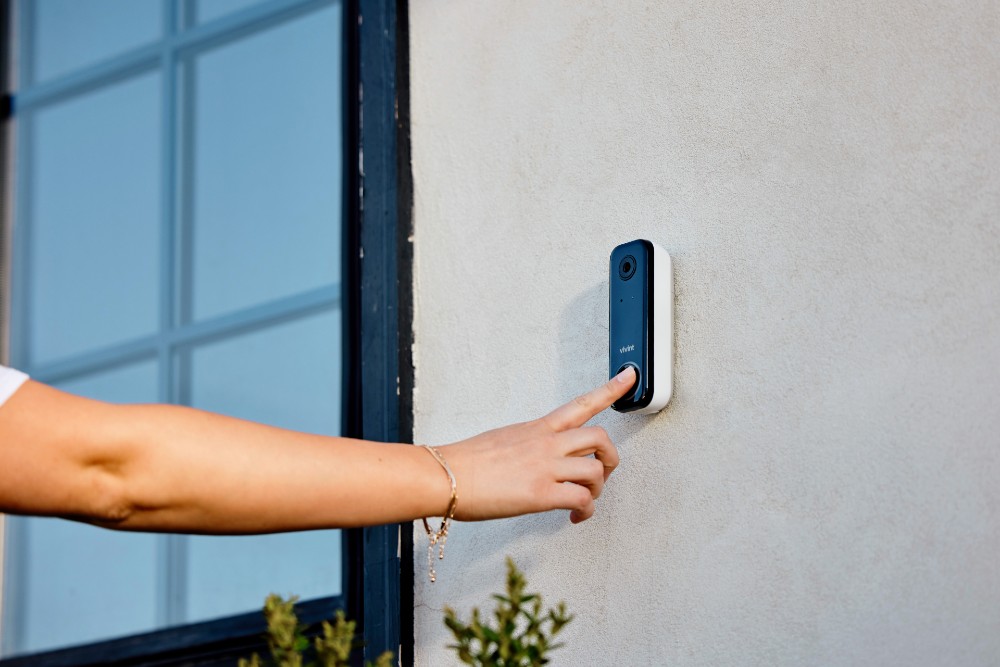
What video quality and field of view should I look for in a doorbell camera?
Look for a minimum of 1080p resolution and a 120°–180° field of view.
It’s important to have an HD doorbell camera with crisp, clear video quality and a broad field of view to capture footage of your front porch. For video quality, look for a minimum of 1080p camera resolution. 2K HDR options that offer enhanced clarity are also available.
Your camera’s field of view (FOV) is the width (in degrees) that the camera can capture. Look for a camera with 120*–180° FOV. The wider your camera’s FOV, the more of your porch it can capture, reducing blind spots.
Real-time alerts and smart AI detection
Smart detection is your doorbell camera’s ability to differentiate between people, packages, and passing cars. This helps reduce false alerts from traffic, animals, or weather.
Intelligent, real-time alerts minimize unimportant notifications and boost security by only alerting you to important happenings at your home. On some doorbell cameras, advanced AI detection features require a monthly subscription fee.
Motion detection types a doorbell camera might detect include:
- Basic motion. This detection type notifies you for any motion within the camera’s field of view. It leads to excessive, unimportant alerts and may cause notification fatigue.
- Human detection. This detection type intelligently differentiates humans from other things that move, like cars or animals. This minimizes alerts, but it still may notify you for normal behavior like your neighbor going for a walk on the street in front of your house.
- Package alerts. Doorbell cameras with package alerts (like the Doorbell Camera Pro) intelligently detect package deliveries. They let you know when something has been dropped off at your porch so you know it needs to be brought inside.
- Facial recognition. Doorbell cameras with facial recognition can identify and remember familiar faces, making it easy to know who was coming and going.
The Vivint Doorbell Camera Pro uses AI intelligence to distinguish potential threats from pets, people casually passing by, and other false triggers. When it does identify a threatening behavior, it send a real-time alert in the Vivint app. This allows you to engage in two-way talk or escalate your response if needed.
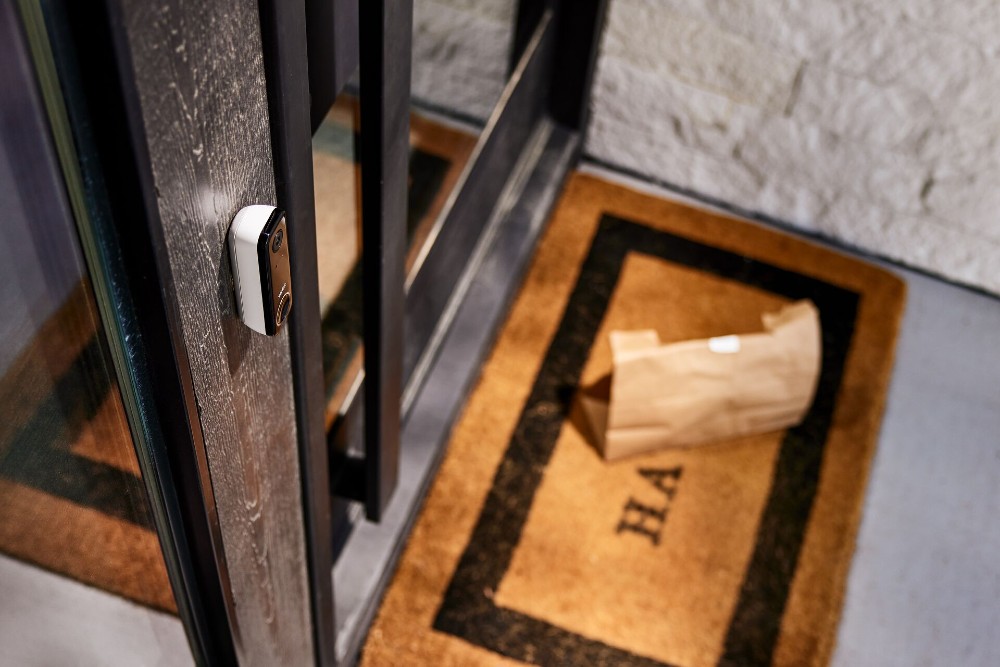
The Doorbell Camera Pro also intelligently identifies packages. Once it sees a package on your porch, it activates Vivint Smart Deter and monitors for people approaching your porch when a package is present, then wards them off with light and sound.
Related article
Vivint Security Cameras that Whistle
Night vision and weather resistance
Look for a doorbell camera with IR night vision or color night vision. A camera with IP rating of 65+ is ideal for outdoor use.
Durable, all-condition performance is critical for a wireless video doorbell. It’s important that your camera doesn’t stop working when it’s dark or when the weather is inclement.
Look for a wireless doorbell camera with Infrared (IR) night vision or color night vision to ensure it can capture footage in darkness. IR night vision uses infrared light to see, while color night vision cameras rely on an external light.
A camera’s durability is measured by its IP rating: a measure of a device’s resistance to dust and water. IP 65+ is ideal for outdoor use. It should be able to withstand rain, snow, and wide temperature ranges.
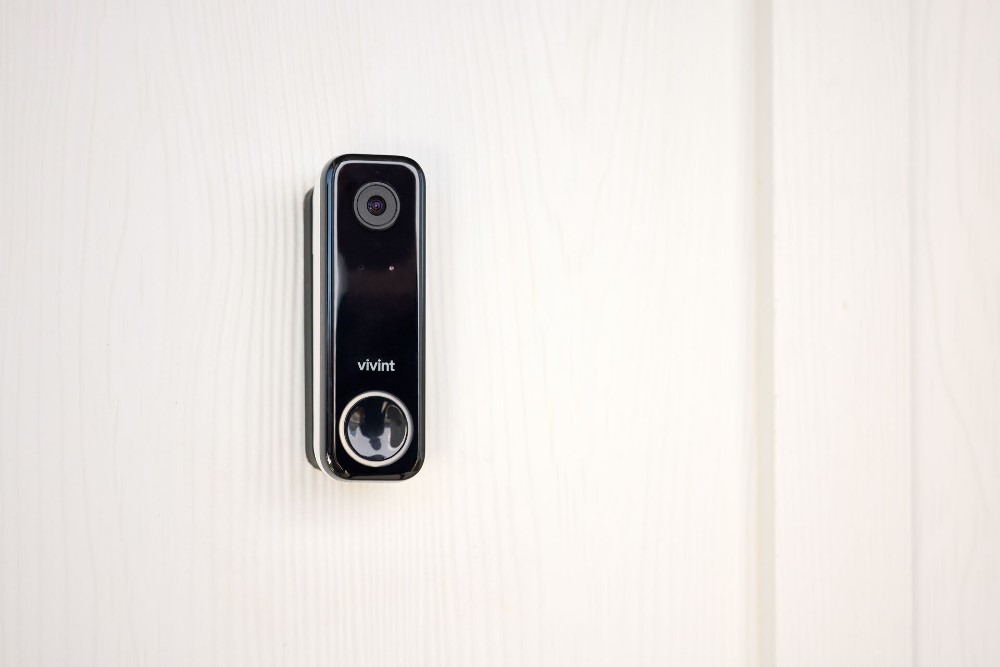
How do doorbell cameras store video?
Wireless doorbell cameras rely on either cloud storage or local storage to house the footage they capture. The storage type you choose will depend on your needs.
What is cloud storage?
With cloud storage, your doorbell camera sends video footage to the cloud for remote backing up. You can access this video footage from anywhere as long as you have an internet connection.
Cloud storage typically has a monthly subscription fee ranging from $3–$10/month for 30 days of storage on average. Long-term archiving may cost more.
What is local storage?
A doorbell camera with local storage saves video directly to the device on a microSD card. This storage type is often free, but the footage can only be viewed with a connection to the memory card.
Cloud vs local storage: Key comparisons
| Feature | Cloud Storage | Local Storage |
|---|---|---|
| Monthly Cost | $3–$10/month | Free |
| Video Retention | 30–90 days | Depends on memory card size |
| Video Access | Remote access with Wi-Fi connection | On-site |
| Best For | Long-term storage Remote acess |
Budget-conscious users |
DIY vs professional doorbell camera installation
Wireless doorbell cameras are ideal for DIY installation because they do not require a wired connection to your home. Some homeowners may still prefer professional installation (a professional comes to your home and installs the doorbell camera for you) for safety, warranty, or convenience reasons.
Before installing any doorbell camera, make sure to check the camera’s warranty: Some brands void warranties if the doorbell isn’t installed by a trained professional.
How do I install a wireless doorbell camera?
Installing a wireless doorbell camera requires you to mount the camera, connect to your home’s Wi-Fi, and sync with the camera’s smartphone app. This process takes about 30 minutes. Most battery powered video doorbells are designed for DIY installation.
How do I install a wired doorbell camera?
Installing a wired doorbell camera is a much more involved process that requires electrical skills, breaker shutoff, and wiring knowledge. It is best handled by the professionals.
Related article
Are Doorbell Cameras Worth It?
Do doorbell cameras work with smart home devices?
Smart home integration is the ability for a doorbell camera to communicate and automate behaviors with other connected smart home devices. Look for a video doorbell that integrates with platforms like Amazon Alexa, Google Assistant, and Apple HomeKit.
When your doorbell camera connects to other smart home tech, your whole home can communicate.
What custom actions can I make with an integrated doorbell camera?
Custom actions are user-defined rules that take place when triggered. Some custom actions you can set up with the Vivint Doorbell Camera Pro include:
- Turn on smart outdoor lighting when the doorbell camera senses activity
- Use custom zones to only notify of behavior in certain areas in front of your house
Every Vivint device works together on the same platform: The Vivint app. The Doorbell Camera Pro communicates with devices like smart lights, locks, and hub.
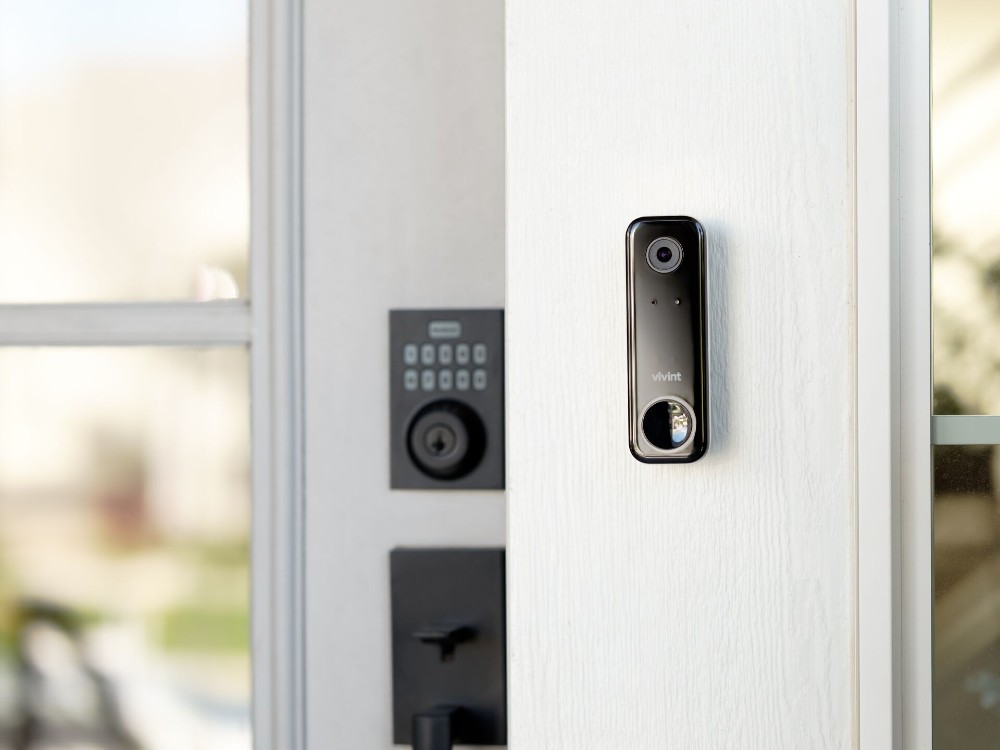
Are doorbell cameras safe?
Yes, doorbell cameras are safe to use when kept secure with proper encryption and security features.
Safety features to look for in a wireless video doorbell camera include:
- Encryption: The process of making your video data unreadable to anyone who is not an authorized user
- Two-factor authentication: Requiring two points of authentication before being able to log in and see camera footage and account details
- Strong password support: A strong password contains no personal information, is 12–16 characters long, unique to your account and contains a mix of uppercase letters, lowercase letters, numbers, and symbols
It’s crucial to only buy from a reputable company. Here’s how to make sure a company is safe:
- Review the manufacturer’s data policies
- Check for transparent privacy settings
- Examine the company’s security track record
Related article
What Percentage of Porch Pirates Get Caught?
What should you look for in the best wireless doorbell cameras?
The most important features to look for in a wireless video doorbell camera are: Wide-angle lens, HD resolution with night vision, smart motion detection, mobile app access, and smart home integration:
- Wide-angle lens: Look for a field of view between 150° and 180° to capture everything that happens outside your door. This includes visitors approaching from the side and packages placed beneath your doorbell camera.
- High-resolution footage: Choose at least 1080p resolution for clear identification of faces and details.
- Night vision: A camera with night vision makes sure you are covered around the clock. Black-and-white night vision captures footage in low-light conditions, while color night vision requires an external spotlight to capture footage.
- Smart detection: Advanced person detection minimizes false alerts from cars, animals, or trees. It only notifies you when someone approaches your door.
- Mobile app access: A well-designed app gives you remote access to live video, recorded clips, and two-way audio.
- Smart home integration: Compatibility with smart locks, lights, and other devices means your doorbell can trigger automated responses as part of a whole-home security system.
- Real-time alerts: Your doorbell camera should let you know in real-time what is happening at your home.
- Cloud storage: Look for Cloud recording and Cloud storage so you can view footage from your video doorbell from anywhere.
Key features comparison
| Feature | What to Look For | Why It Matters |
|---|---|---|
| Video Resolution | 1080p HD | Higher resolution means clearer facial identification and detail capture |
| Field of View | 150°–180° horizontal coverage | Wider angles capture more of your porch and approaching visitors |
| Night Vision | Infrared or color night vision | Ensures 24/7 video capture regardless of lighting conditions |
| Two-Way Audio | Built-in speaker and microphone | Allows real-time communication with visitors |
| Smart Detection | Person detection, package detection | Reduces false alerts and provides relevant notifications |
| Integration | Works with smart locks, lights, voice assistants | Connects devices for whole-home control |
The Doorbell Camera Pro takes front porch protection to another level with Vivint Smart Deter™. Instead of just watching for porch pirates and recording crime, Vivint Smart Deter stops crime with light and sound. With a 180* x 180° field of view, two-way talk, IR night vision, smart detection, and integration with every product in the broader Vivint system, this doorbell camera has what you need to keep your home safe. Its hybrid wired/Wi-Fi connection means you get the the benefits of a wireless video doorbell without the hassle of battery changes.
Where can I get a video doorbell?
Video doorbells can be purchased directly from their manufacturer or from third-party retailers:
- Vivint
- Amazon
- Xfinity
- Wal Mart
Upgrade your front door with a Vivint Doorbell Camera Pro, integrated with your Vivint system, for ultimate convenience, security, and peace of mind.
If you’re ready to outfit your home with the latest and greatest in smart home security, call Vivint pro today at 833.978.4756 for a free quote.
Related article
How to Prevent Package Theft
Frequently asked doorbell camera questions
Learn more about video doorbell cameras through these frequently asked questions.
Do wireless doorbell cameras need Wi-Fi?
Yes, wireless video doorbell cameras need Wi-Fi connection to send video to your phone and enable remote access. Most doorbell cameras require a stable Wi-Fi connection with at least 2Mbps upload speed for smooth video streaming. Without Wi-Fi, you won’t be able to view live footage or receive notifications on your phone.
How long do wireless doorbell camera batteries last?
Battery-powered doorbell cameras typically last between 1 and 6 months on a single charge. Charge length depends on usage, motion activity, and weather conditions. Frequent motion alerts and live viewing drain the battery faster. Many homeowners opt for wired installation to avoid regular battery maintenance and improve video connection.
Do wireless doorbell cameras work without a subscription?
Most wireless doorbell cameras offer basic functionality without a subscription. Features like cloud storage, person detection, app access, and extended video history typically require a monthly subscription plan.
What are real-time alerts on a doorbell camera?
Real-time alerts are notifications from your doorbell camera that let you know something is happening at your front porch. Without prompt alerts, you won't be able to see what is happening as it happens.
Who should get a wireless video doorbell?
If you rent, a wireless video doorbell may be right for you. If you value continuous power and reliable connection, a wired security doorbell may be a better fit.
Get a free quote today.
A Vivint Smart Home Pro will contact you within 24 hours. Or skip the form and call now: 844.481.8630.
Everything works together
Combine products
for a safer home
You may also like:
Security Cameras
Doorbell Cameras With Real-Time Alerts & Cloud Storage: What to Look For
May. 01, 2026

Security Cameras
Outdoor Wireless Security Cameras: How To Choose the Best for Your Home
Choose the best outdoor wireless security cameras for your home with this guide from Vivint. Learn about power sources and features.
Apr. 10, 2026
Security Cameras
Wired or Wireless Doorbell Cameras: Which is Right for Your Home?
Explore the differences between wired and wireless doorbell cameras to choose the best security option for your home.
Mar. 30, 2026
Related Content
-
Smart Video Doorbell Cameras
Vivint's Wired & Wireless Video Doorbell detects and protects packages using Smart Deter technology. Answer from anywhere with 2-way talk. Call 855.742.4174 today!
-
How Do Doorbell Cameras Work?
Learn how doorbell cameras work, including their features, and why you should install one now.
-
Why You Need a Doorbell Camera With a Monitor
A video doorbell with a monitor lets you answer the door and keep an eye on your home at all times, no matter where you are.


