Comfort and convenience are at the core of smart home technology. What features do smart homes offer? For starters, smart security devices like smart locks, motion sensors, and security cameras keep you safe. Home products like smart lights, plugs, and thermostats bring a superior level of comfort to your home. Plus, features like routines and voice commands make your life easier.
But you need to learn how to set up a smart home to take advantage of these great features—and we’re here to help.
This guide will take you through what a smart home is, how to plan and set up your smart home, and how to manage it once it’s all set up.
What is a smart home?
In basic terms, a smart home is a living space equipped with devices that automate day-to-day tasks and allow voice control and remote access.
Home automation is a top feature of smart home systems. This gives you the ability to automate certain tasks within your home. For example, you can set your robot vacuum to clean your living room every Wednesday at 11 a.m. or set your lights to turn on every time you unlock your front door.
Apart from automated tasks, you can also control your smart devices with an app, central hub, remote control, switches, or voice commands. Too tired to get out of bed and shut off the lights? Just ask your voice assistant (like Siri) to do it for you. Or if you’re away from home and realize you forgot to turn off the lights, you can do it from your smartphone.
Some newer smart devices even use artificial intelligence to learn your patterns and deliver intuitive service. Some AI-powered tasks may include turning lights off and on or keeping your room at a comfortable temperature.
As you can see, every aspect of smart technology is built and designed to make our life easier.
Let’s be neighbors.
Subscribe to our weekly newsletter for more smart tips.
Planning the ideal smart home system for you
Planning is a necessary step to get the most out of your smart home.
Consider your situation, the devices you already use, your family size, and the daily tasks you want to automate.
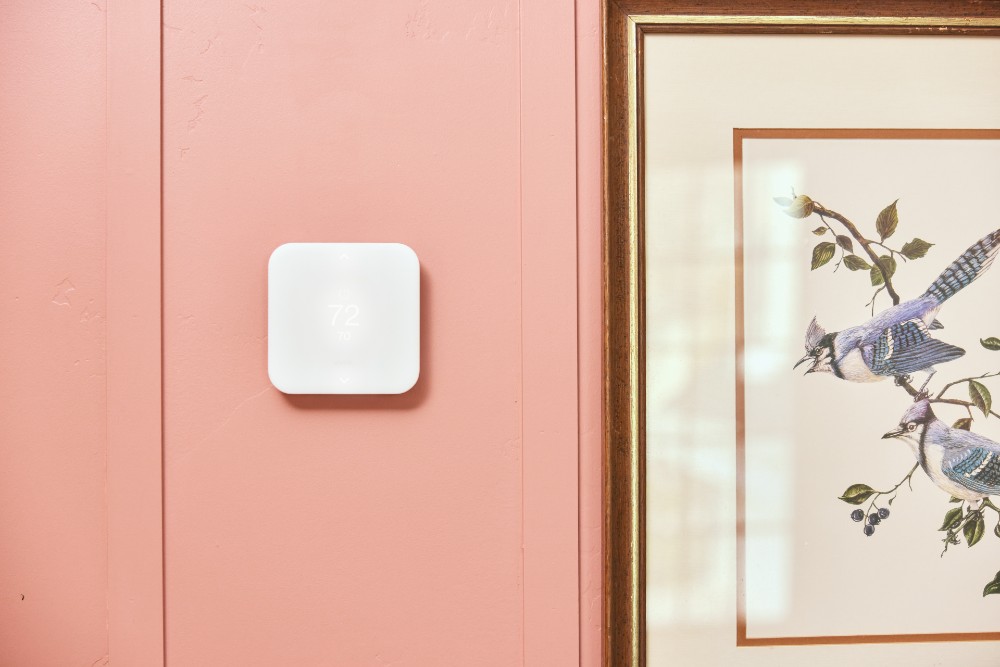
For example, a smart home security system may be just the thing for a busy professional who takes long work trips. This would include a video doorbell camera, motion sensors, and indoor cameras, all of which you can view on a mobile device while away from home.
Or maybe you’re a parent with kids coming and going. In that case, smart locks may be an important addition to your home. They can allow family members to come and go with ease, and you’ll receive activity notifications to remotely unlock your home if you need to let someone in while you’re at work.
Take a careful look at your situation and prioritize your smart home needs.
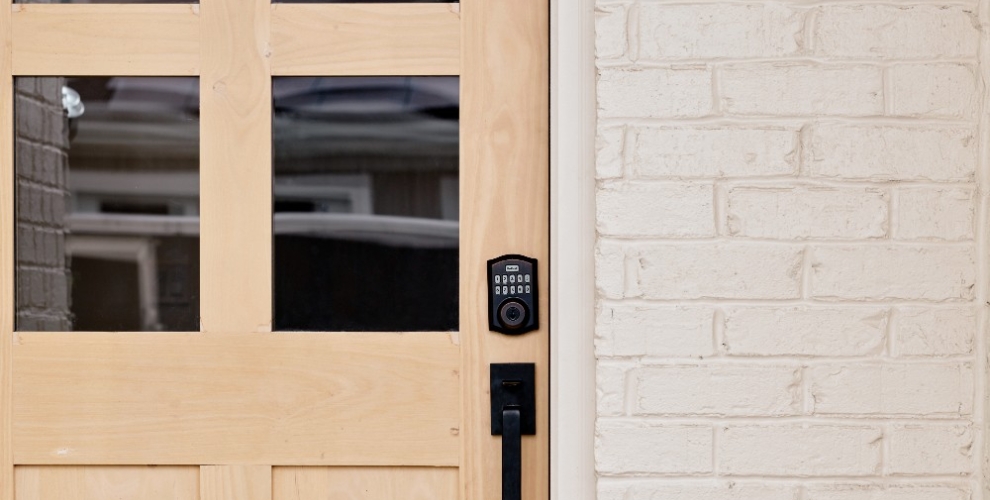
Smart locks**.** Lock and unlock your door with digital codes, a fingerprint scanner, or your smartphone.
Smart lighting. Use your app or voice control to turn your lights off and on. This includes smart light bulbs like Philips Hue and smart switches.
Smart plugs. Assign a smart plug to any electronic device in your home, such as lamps and fans, to turn it off and on with ease.
Smart appliances. Robot vacuums and smart ovens are just the beginning of this category, revolutionizing household chores and cooking experiences. Smart appliances utilize AI technology to automate tasks, enhance efficiency, and provide greater convenience.
Here’s an overview of everything you need to know about setting up a smart home.
Professional installation or DIY
There are a lot of DIY options out there for smart homes.
But, as with most things, there can be some trial and error when it comes to smart home installation. And when it involves your home’s comfort and security, you want it done right.
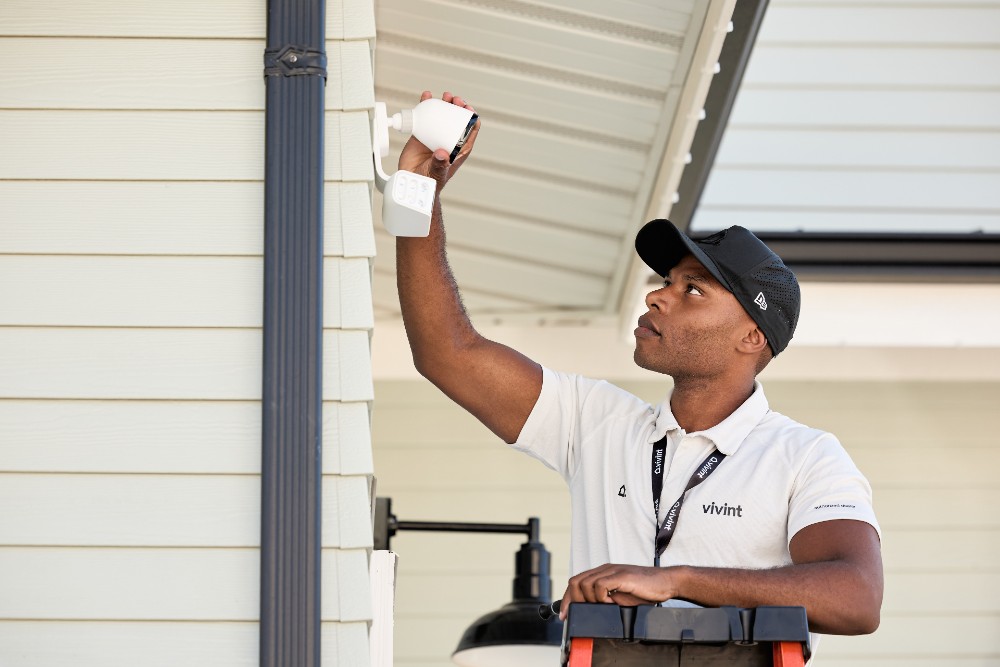
Here at Vivint, all of our smart home systems come with free professional installation. With this option, you can rest assured that your smart home will run smoothly from day one.
Wi-Fi requirements for smart homes
Smart home and Internet of Things (IoT) devices connect with one another in several ways.
Many use a reliable Wi-Fi network to connect their devices. In that case, a strong internet router signal can promote uninterrupted communication between your smart home gadgets.
Determine the best places for smart speakers and smart displays throughout your home. Having a healthy mix of these devices at regular intervals will ensure you can always access your smart home system.
Also, pay close attention to your smart security system’s placement. Ensure security sensors are on all of your major entry points, and place security cameras in all of your public areas to catch suspicious activity.
Installing and configuring smart home devices
Let’s break this down a little bit.
Smart speakers and displays
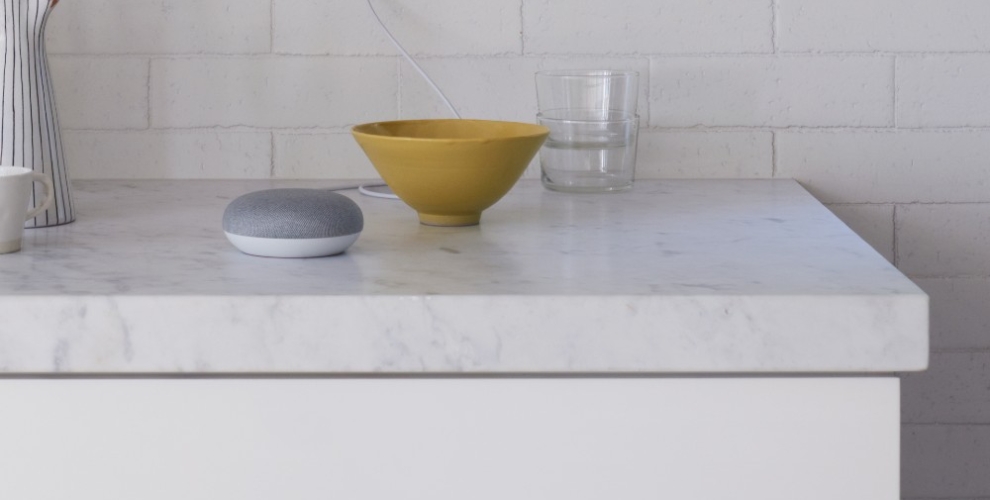
A smart speaker is also your smart home hub, where you can control your smart devices. The most popular ones include Amazon Echo Show, Google Nest, and Apple Homepod Mini.
The Vivint Smart Hub is another great option here. Not only is it compatible with multiple brands, but it’s also adept at integrating both smart home and security products into one convenient place.
Home automation apps
You’ll download the system’s app onto your mobile device, depending on the ecosystem you choose.
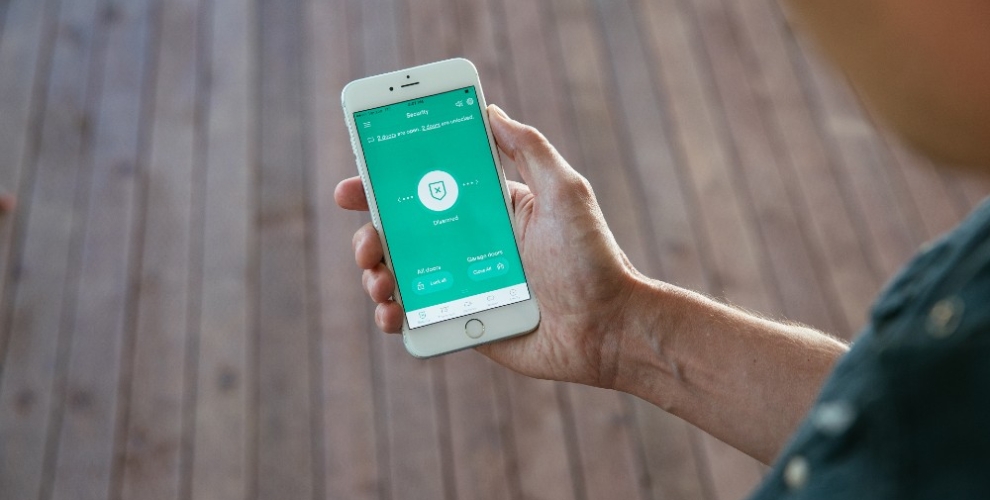
For example, you’ll use the Alexa app if you choose Amazon Alexa. You’ll need the Google Home App if you choose Google Assistant. Or, you can download the Vivint app if you choose to go with Vivint’s smart home system.
Download and launch your app to connect to your smart speakers and displays. The app lets you connect your other smart devices, such as smart locks and lights.
Set up routines
Routines are the cornerstone of home automation. Instead of telling your voice assistant whenever you want to do something, you can set up a routine to do it automatically.
Many ecosystems have routines baked into their platform, so you can customize your home right out of the box.
IFTTT (if this, then that) is another great tool to help you with routines. It’s an app available on both iPhone iOS and Android devices. The platform comes with many pre-programmed routines and extensive device compatibility, so you’ll have endless options to automate your home.
After installing your smart home system
Now you’ve installed your smart home system, but your work isn’t over just yet. You’ll need to know some additional things.
Monitoring and adjusting your smart home
It will take time for you to optimize your smart home devices to your exact preferences.
In some cases, your smart home will learn your preferences as it goes. In other cases, you must adjust your settings and routines to create a great smart home experience.
Updating devices
Regular firmware updates ensure your smart home tech runs smoothly and can prevent security hacks. These updates fix bugs, improve security protections, and give you the latest features.
Update frequency varies from device to device. Security updates usually happen every few weeks, while other updates are available every couple of years.
Adding new smart home components
Perhaps you see a new smart home product you want to add to your system. Or maybe part of your system has become outdated.
No worries.
You can easily add a new component to your smart home or replace one of your components with a newer model. This usually involves going into your main hub or app and integrating the new components.
Discover custom-built smart home systems from Vivint
We hope this information has helped you understand more about how smart homes work and how they can make your life easier.
We invite you to learn more about Vivint Smart Home Systems, which includes everything from state-of-the-art smart security devices to products that make your home a haven of comfort and convenience.
With free professional installation and an entire line of smart home products, Vivint has everything you need to create your own smart home. Give us a call at 855.822.1220 today to learn more.
Get a free quote today.
A Vivint Smart Home Pro will contact you within 24 hours. Or skip the form and call now: 844.481.8630.
Qualifying system purchase requires minimum $599.99 expenditure on equipment after all discounts have been applied, professional installation, and execution of Vivint monitoring services agreement. Click here for monthly service plan prices. DIY system purchases and reactivations of previously-installed systems not eligible for offer. Offer not available in all states or provinces. Equipment purchase may be financed separately subject to an agreement with one of Vivint's third-party financing partners. Monthly $1.48 cellular network maintenance fee applies. Taxes and local permit fees may apply.
Third-Party Financing Options Available
Financing eligibility and terms subject to credit approval by one of Vivint's third-party financing partners. Qualified customers may finance equipment purchase at 0% APR for up to 60 months. Month-to-month service agreement available when equipment is purchased upfront.
Vivint Systems & Services
System supports up to six cameras subject to sufficient WiFi speeds. Without a Vivint services plan, product and system functionality is limited (including loss of remote connectivity). Speak to a Vivint representative at the phone number in this offer for complete equipment, services, and package details, including pricing and financing details. Products and services in Louisiana provided by Vivint Louisiana Commercial Certificate #58280. See Vivint license numbers here.